
Why does your own blog matter? #
Social platforms promise reach, but they own the ground you stand on. An algorithm buries your posts overnight. A paywall lands on your best articles without asking. A relevance definition changes and your audience quietly evaporates.
Picture it this way. Posting only on social platforms is running a stall in somebody else market. The foot traffic is great until the landlord changes the rules. Owning your blog is buying your own printing press on your own street. Slower to set up. Nobody can lock the doors.
When you own the blog, you own the reader relationship. No algorithm shifts, no platform pivots, no surprise rule updates. Your content, your audience, your terms.
The old tradeoff hurt: owning a blog meant wrestling WordPress themes or hand coding a static site. BYOB removes that part. You describe what you want, and it builds a professional publishing platform while you stay focused on writing.
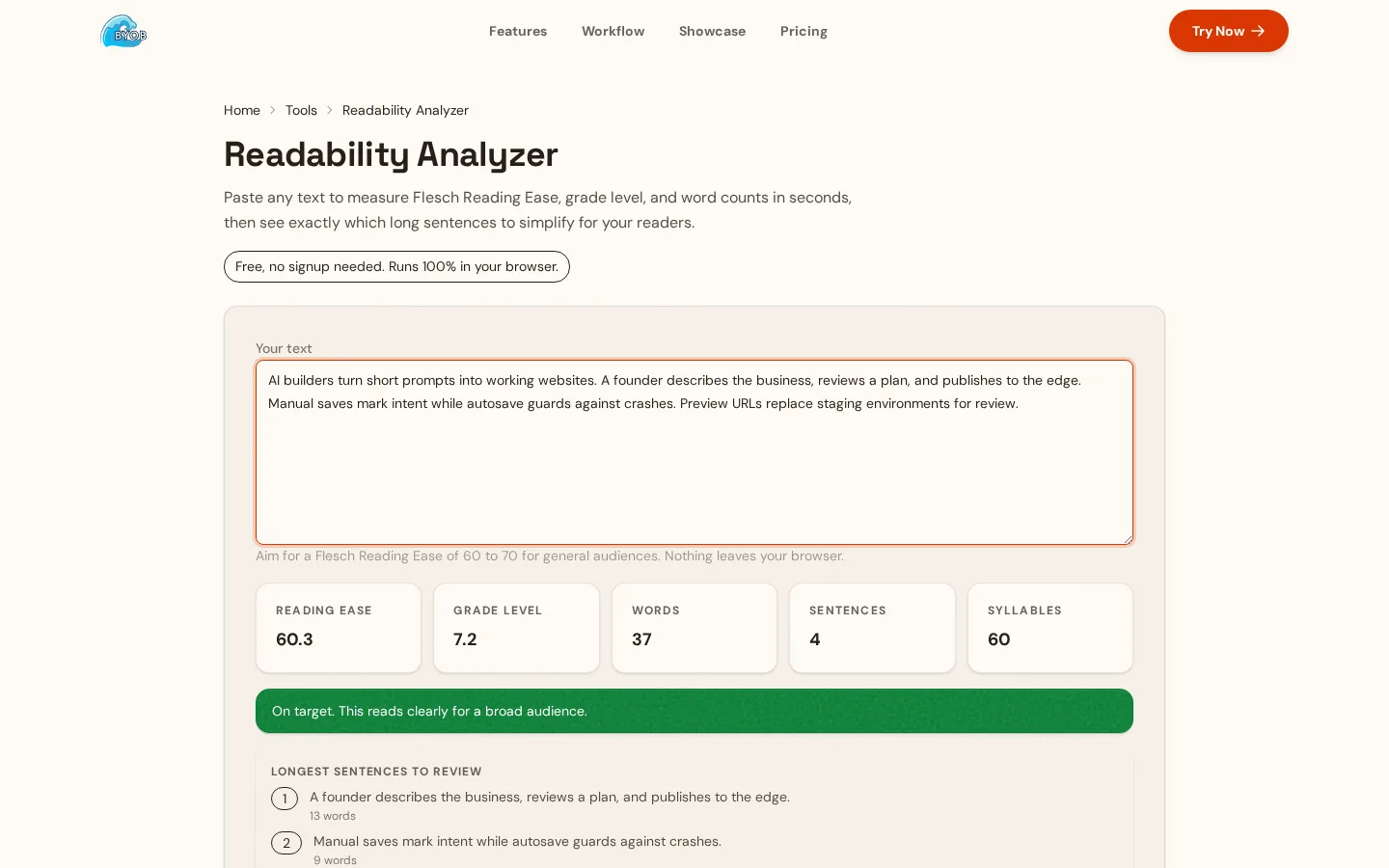
Try it: Readability Analyzer — keep sentences plain so readers stay to the end.
What we are building #
Not a page with text on it. A real publishing platform with the parts serious bloggers need:
A homepage showing your latest and best work. Category pages helping readers find topics they care about. Post pages tuned for comfortable reading. Newsletter signup capturing the audience. Related posts keeping people around for one more article.
Each part below maps to the content engine diagram in this guide, with the prompt focus that builds it.
| Part | Job | Prompt focus |
|---|---|---|
| Homepage | Discovery | Masonry grid with latest posts first |
| Category page | Topic browsing | Sidebar with categories and archive |
| Post page | Deep reading | Serif body text with calm spacing |
| Newsletter capture | Subscriber growth | Signup form in the footer |
Step 1: create the blog structure #
Start with the foundation. Define the pages and how they connect.
Prompt:
"Create a blog website called 'Insight' with a minimalist, typography-focused design. The homepage should display latest posts in a clean masonry grid layout, with a sticky sidebar showing categories and an archive. Include a newsletter signup in the footer with a simple 'Subscribe to updates' form."
The AI generates the full structure: homepage layout, routing between pages, responsive grid for different screens. A working blog skeleton in under a minute.
Step 2: design the post cards #
Card design decides whether people click or scroll past. Every visitor judges your content by these thumbnails before reading a word.
Prompt:
"Style the blog post cards to look like premium magazine entries. Each card should show a large thumbnail image across the top, a colored category pill in the corner, a bold serif headline, a short excerpt of 2-3 lines, and a subtle 'Read More' link that appears on hover."
Good card treatment signals quality upfront. The visual care tells readers the thinking inside got the same care.
Step 3: optimize the reading experience #
Most blog designs chase visual impact and forget reading comfort. Long lines tire eyes. Tiny fonts strain them. Poor contrast makes long reads unpleasant.
The post page is where readers spend their time. Tune it for comfort.
Prompt:
"Design the individual article page for deep reading. Use a legible serif font for body text at 18px with 1.75 line height for comfortable eye tracking. Limit the content column to around 700 pixels, narrow enough that lines stay short, wide enough to avoid endless scrolling. Add generous paragraph spacing and clear heading styles to break up long posts."
Small details, large effects. These choices decide whether readers finish articles or bounce halfway.
Plain language doubles the win. Unbounce 2024 benchmark data found pages written at a 5th to 7th grade reading level convert at 11.1 percent, 56 percent higher than pages at 8th and 9th grade level (https://unbounce.com/conversion-benchmark-report/). Blog readers are not conversion events, but the mechanism transfers: short words and short sentences keep moving eyes. Write like you talk to a smart friend, not like you are defending a thesis.
Speed belongs in the reading experience too. Google web.dev documentation on Largest Contentful Paint covers the load moment readers perceive, usually the hero image or headline block (https://web.dev/articles/lcp). A beautiful article that paints its text late reads as broken. Compress images, avoid layout shift from late loading ads or embeds, and test on a mid range phone instead of a developer laptop.
Driving traffic to your blog #
Building the platform is the easy part. Getting readers is slower, but the mechanics are public.
SEO fundamentals #
BYOB handles technical SEO groundwork: semantic HTML search engines parse, fast loads, mobile responsiveness.
Your job is content side SEO, and Google own starter guide keeps it refreshingly undramatic (https://developers.google.com/search/docs/fundamentals/seo-starter-guide). Write descriptive titles humans would click. Add meta descriptions that earn the click from results. Use alt text so search engines understand images. Structure posts with proper heading hierarchy. Create content for readers first; there are no secret tricks that rank a site first, in Google own words.
Prompt:
"Add SEO meta tags to the blog. Generate a unique meta title and description for each post based on its content. Include Open Graph tags so posts look good when shared on social media, with card image, title, and description all rendering correctly."
Structured data for articles #
Then add the markup that tells search engines exactly what each page is. Schema.org defines the Article type with properties like headline, author, datePublished, image, and wordCount (https://schema.org/Article). Marking up posts this way removes guesswork for crawlers and qualifies pages for richer search treatments. It also forces a useful discipline: if the markup says who wrote a post and when, the visible page should say it too. Readers trust bylines and dates for the same reason machines do.
Prompt:
"Add Article structured data to every post page with headline, author name, publish date, and featured image. Keep the visible content and the markup in agreement."
Repurpose every post #
One article should feed every channel you own. The post lives on the blog, the summary goes to the newsletter, the sharpest paragraph becomes a social thread, and the best performing pieces get updated yearly instead of abandoned. Google starter guidance rewards fresh, maintained content, and readers reward writers who revisit old takes with new evidence. Publishing is the start of an article life, not the end of it. The writers who win search are rarely the most brilliant. They are the most consistent, still updating, still answering, still there.
Building your email list #
Social followers are rented. Email subscribers are owned. Capture emails from every visitor who will give one.
Place signup in the footer for everyone, in the sidebar for readers, and optionally mid-article where engagement peaks. State the trade plainly: what does the subscriber get, and how often? Unbounce measured email as the highest converting channel at 19.3 percent on average across landing pages (https://unbounce.com/conversion-benchmark-report/). Your blog is not a landing page, but the lesson ports over cleanly. The inbox remains the highest intent real estate on the internet.
Which monetization options suit a new blog? #
Once traffic arrives, revenue has several honest shapes:
Sponsored content means partnering with brands in your niche. It works when your audience is specific and engaged, because sponsors pay for access to attention they cannot buy elsewhere.
Affiliate marketing means recommending products you actually use and earning commissions on resulting purchases. Authenticity decides everything here. Readers smell cash grabs instantly.
Digital products mean selling expertise directly. E-books, courses, templates, consulting. These capture more value than advertising because buyers already trust you.
Paid subscriptions mean charging for premium access when the content justifies it. The model is proven. Your job is making the free tier so good that paying feels like gratitude.
What keeps a blog alive past year one? #
A blog is a long term asset. Social posts dissolve into feeds. Blog posts accumulate value for years. Articles written today can drive traffic long after you forgot writing them.
Honest tradeoff first: the compounding is slow. Expect months before search traffic means anything, and expect most early posts to be read by dozens. That is normal. Sustainability beats intensity. One quality post per week for a year beats five posts a week for a month followed by silence.
BYOB helps by removing technical friction. You focus on writing instead of fighting the publishing platform. Set a cadence you can hold on your worst week, not your best one. Consistency compounds. Everything else is commentary.
What we learned building this #
BYOB runs its own blog on the same platform, with one page per post slug and an RSS feed on the side. The shared SEO component sets titles and meta, so search basics ship with the template. That is why this guide spends more words on writing and capture than on plumbing.
Who this is for (and who should skip it) #
This guide fits writers who want an owned home for essays or niche explainers without touching a CMS. If you publish most weeks, the structure here compounds.
Skip it if you post rarely or live happily on social platforms. A profile page plus an email list does that job with less to maintain.
- Best for writers starting an owned blog for weekly essays.
- Best for small business owners turning posts into search traffic.
- Best for beginners growing an email list beside social profiles.
Get started #
Your printing press is waiting, and the street is yours to claim.
Describe the blog tonight, publish the first real post this week, and put the signup form everywhere from day one. A year from now you will either own a growing audience or wish you had started today. The CMS was never the hard part. Starting was.