
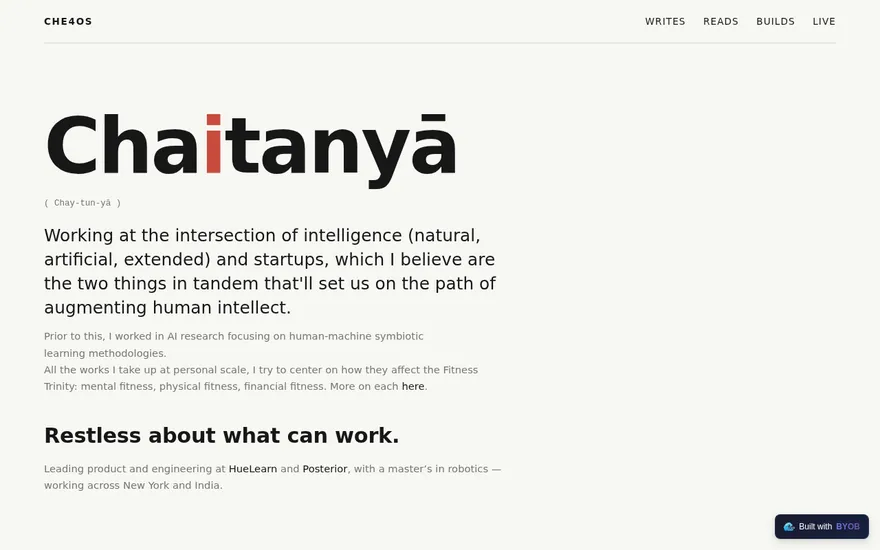
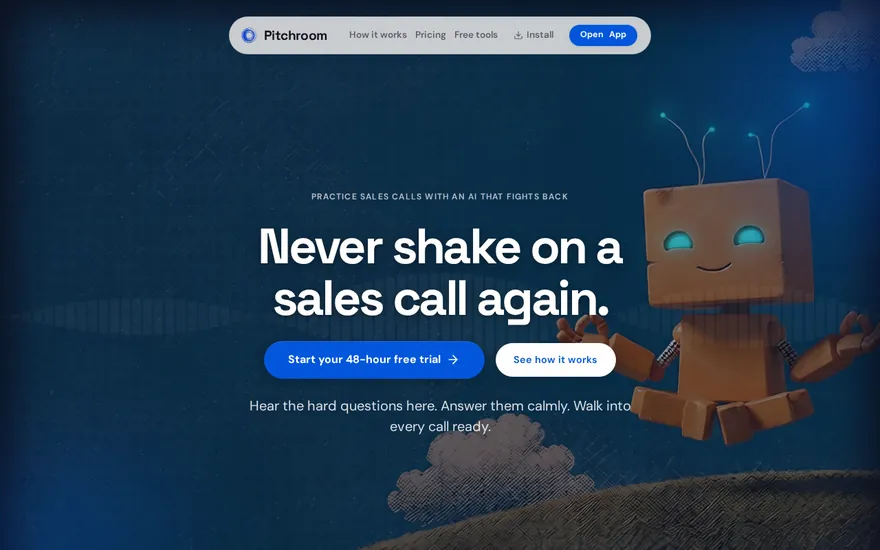
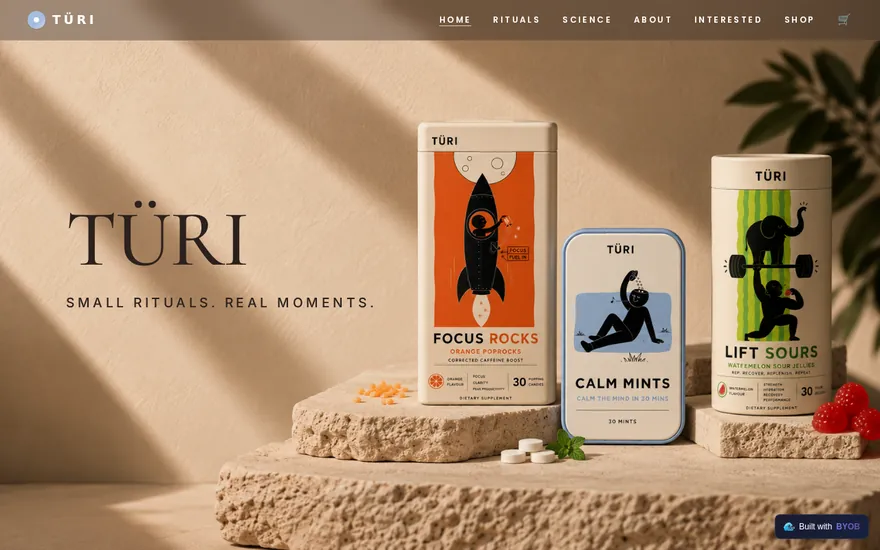
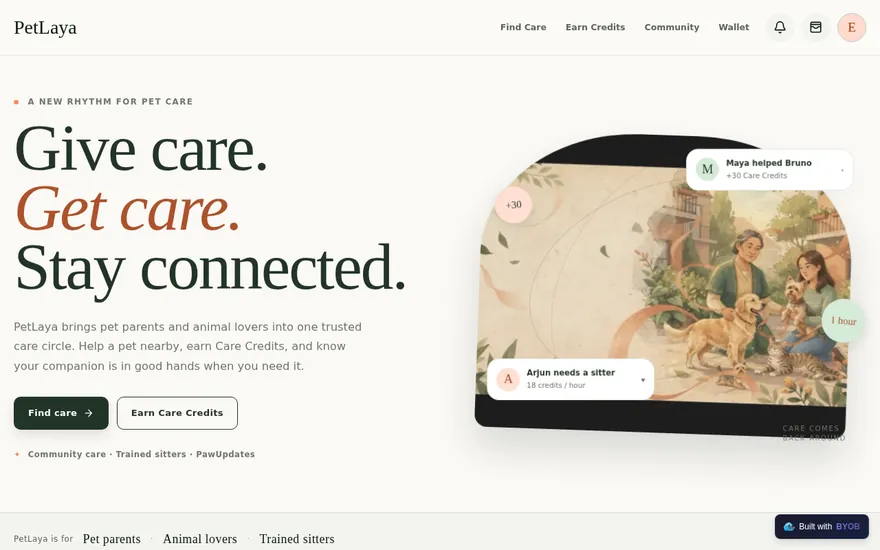
Visual editing
Click elements in the live preview and ask BYOB to refine copy, spacing, colors, or behavior.
Describe the product once. BYOB plans the UX, writes production-ready SvelteKit code, connects the pieces, and keeps everything editable while you iterate.
Pick a product type and see how one prompt can become a real app shape: preview, features, workflow, and deploy path included.

Prompt recipe
Make an operations dashboard with tables, filters, roles, and weekly reporting views.
The workspace is built for repeated product work, not disposable demos. Every generated file stays inspectable, every change is visible, and every follow-up can target the exact part of the app you care about.
<script lang='ts'>type Task = { id: string; title: string; done: boolean
}let tasks = $state<Task[]>([])function addTask(title: string) {tasks.push({ id: crypto.randomUUID(), title, done: false })}function toggleTask(id: string) {const task = tasks.find((t) => t.id === id)if (task) task.done = !task.done}</script>Build Plan
Simple Todo App
Team Tasks
Simple, shared task tracking
Design landing page
OnlineWireframe approved. Next step is responsive polish and QA.
<script lang='ts'>type Task = { id: string; title: string; done: boolean
}let tasks = $state<Task[]>([])function addTask(title: string) {tasks.push({ id: crypto.randomUUID(), title, done: false })}function toggleTask(id: string) {const task = tasks.find((t) => t.id === id)if (task) task.done = !task.done}</script>Build Plan
Simple Todo App
Team Tasks
Simple, shared task tracking
Design landing page
OnlineWireframe approved. Next step is responsive polish and QA.
BYOB handles product planning, implementation, preview, testing, database work, and deployment from one focused interface, with coding-agent access and production analytics when you want to keep working from your own terminal.
Click elements in the live preview and ask BYOB to refine copy, spacing, colors, or behavior.
Move between saved app states or redeploy a known commit when an experiment needs to be backed out.
Publish production builds without stitching together hosting, config files, and build steps. Deploys can auto-save the current project state.
Inspect recent commits, compare changes, and review what changed since the last deployment from BYOB CLI or Agent MCP.
Invite teammates and keep sessions coordinated so work does not overwrite itself.
Run full-site or feature-focused checks and get implementation-level feedback.
Install BYOB CLI for Codex, Claude Code, or Antigravity so your agent can read project context, edit code, inspect git diffs, test previews, deploy, and surface billing links.
Inspect deployed Worker traffic, errors, CPU timing, subrequests, custom-domain status, and deployment state from the workspace.
Read schemas, draft migrations, generate types, and keep app code aligned with your data.
Start conversationally, approve the shape, let Tool Mode implement, then refine and deploy from the same workspace.
Start with the outcome, audience, and any constraints. BYOB turns the idea into a practical build plan.
Review the proposed flows, screens, data needs, and visual direction before code starts moving.
Tool Mode writes SvelteKit code, connects integrations, and keeps each change visible in preview.
Ask for edits, roll back when needed, run checks, and keep the project editable instead of disposable.
Ship the finished app, connect domains, and keep iterating from the same workspace.
Install BYOB CLI once for Codex, Claude Code, or Antigravity. Approve only the projects it can touch, then let your agent read context, inspect commits and diffs, edit files, test previews, deploy, roll back known commits, and handle credit links from your local terminal.
The layout keeps code, intent, and rendered output visible together so you can reason about the product instead of hunting through tabs.
Generated code stays visible and ready for precise follow-up changes.
Plan, ask, implement, test, and recover without leaving the workspace.
See the application update while BYOB changes UI, data, and behavior.
Use it for strategy, architecture, explanation, product thinking, and tradeoff analysis.
Use it when BYOB should edit files, wire services, run checks, and move the project forward.
Use BYOB with managed storage, Supabase projects, custom domains, and production deploys from one project workspace. Deployment records and git diffs keep the path from edit to rollback inspectable.
Connect your Supabase project so BYOB can inspect schemas, draft migrations, generate TypeScript types, and keep auth flows aligned with the app.
Use the managed SQLite database for apps that need durable storage without separate database operations.
Attach managed object storage with a Worker binding, private browser route, signed access model, and smoke checks for uploaded files.
Connect custom domains with guided DNS checks, automatic SSL, deployment records, analytics, and commit rollback.
Pay as you go when you are exploring. Move to Pro or Max when BYOB becomes part of your regular build workflow.
$1 = 100 credits
2,000+ credits/mo
8,000+ credits/mo
White-label and SSO
Start with one clear prompt. BYOB will help turn it into a product you can inspect, edit, test, and ship.
Start buildingRated 4.9/5 by developers and founders using BYOB to move from idea to shipped product.
Everything you need to know about BYOB
npx -y byob-cli codex install, npx -y byob-cli claude install, or npx -y byob-cli gemini install. Approve access, and the installer configures your agent plus the local byob command.byob git log, byob git diff, or byob git diff-since-last-deploy with a project id.byob git token create creates a project-scoped BYOB Git PAT. The raw token is shown once, list commands only show metadata and token prefixes, and tokens can be revoked with byob git token revoke.byob deployment rollback.