
Two tools, different jobs #
A master woodshop and a furniture store both get you a table. The shop gives you lathes, chisels, and a patient teacher. The store asks which room it goes in and delivers it Thursday.
Cursor is the woodshop. BYOB is the store. Both use AI. They solve different problems, and choosing wrong means frustration instead of productivity.
Cursor is an AI code editor. It makes you faster at writing code. BYOB is an AI application builder. It writes the code while you focus on what you want to create. The rest of this comparison follows from that single split.
Try it: Tech Stack Picker — so you can match the tool to the task.
How do BYOB and Cursor think about development differently? #
Cursor: a better code editor #
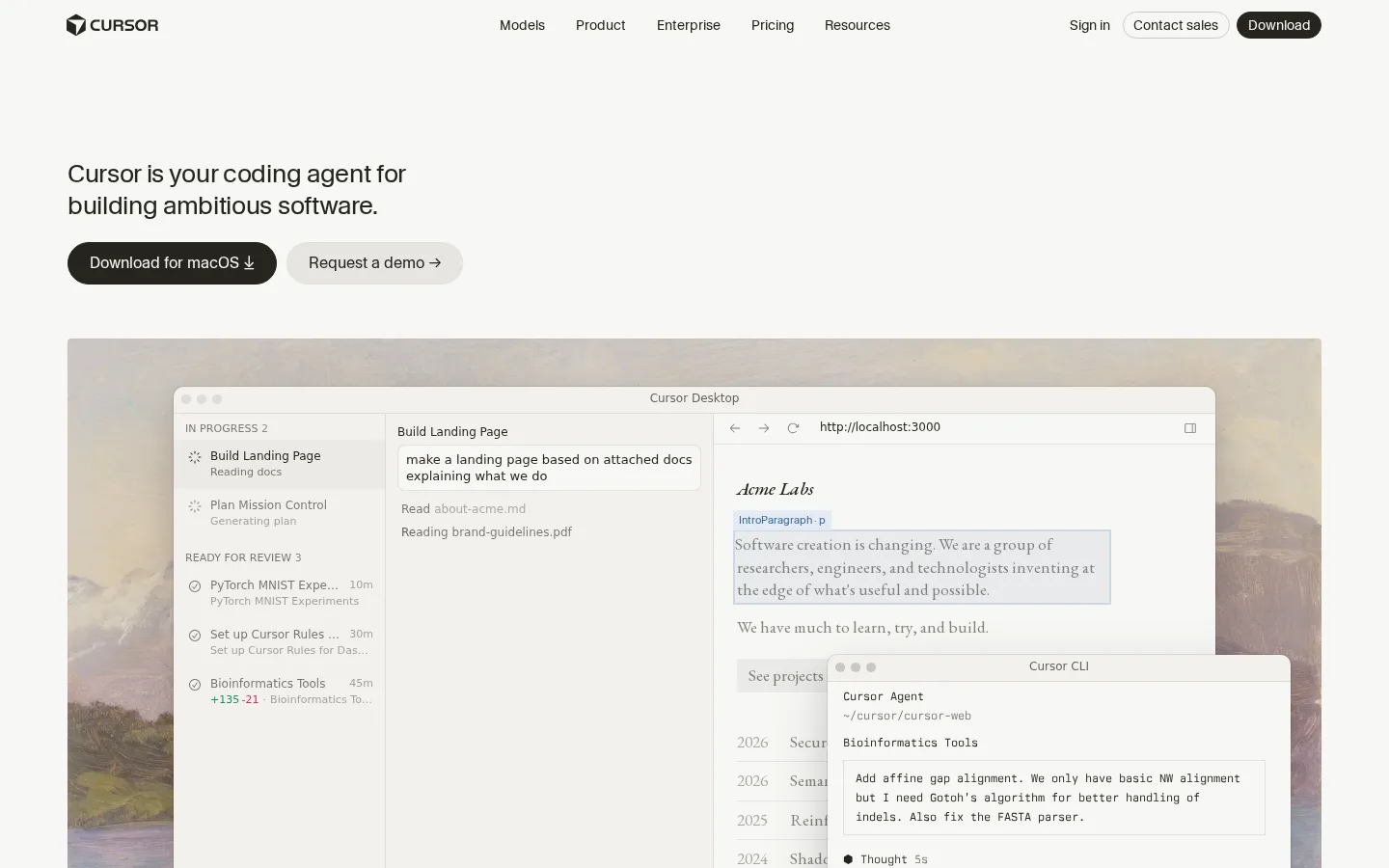
Cursor grew from a VS Code fork, and the heritage shows. The core experience is still writing code: opening files, typing syntax, debugging in terminals. What Cursor adds is intelligence layered through the whole surface. Agent requests that plan and execute multi-step changes. Tab completions that predict whole blocks. Sidebar chat grounded in your codebase.
It feels like a sharp colleague who explains code, suggests implementations, and catches bugs. But you remain the decision maker on architecture, logic, and project structure. To use Cursor well, you still need to know what your framework's primitives do, when a database index matters, how components compose. The AI accelerates knowledge it does not replace.
Current pricing reflects that professional positioning. Hobby is free with limited Agent requests. Pro costs $20 per month with extended Agent limits plus frontier model access. Pro+ at $60 triples Pro Agent limits, and Ultra at $200 multiplies them twentyfold, as stated on the Cursor pricing page (https://cursor.com/pricing). Teams come in Standard at $40 per user monthly and Premium at $120 with five times the usage, as stated in the Cursor plans docs (https://cursor.com/help/account-and-billing/pricing). Every tier includes amounts of model usage with on-demand billing beyond that, so heavy months cost more than the sticker price.
BYOB: skip the code entirely #
BYOB abstracts coding away instead of accelerating it. You describe what you want: "Build a landing page for a coffee shop with a hero section, menu, and contact form." The system builds it.
The interaction is conversational. No files opened, no syntax debugged. "Make the logo bigger" or "add a testimonials section" and the changes appear in real-time preview. To use BYOB well, you need to know what a landing page is. HTML, CSS, and JavaScript are optional background details.
BYOB starts free at $0 with 100 starter credits and $1 equals 100 credits that never expire, as listed on the BYOB pricing page (https://byob.studio/pricing). You can describe the app in chat and refine it by clicking any element in preview, as described in the features guide (https://byob.studio/blog/byob-features-complete-guide). Auth is instant via Better Auth plus D1 with Google and magic links, as described in the auth guide (https://byob.studio/blog/byob-auth-better-auth-d1).
Backends use server routes plus R2 D1 and Supabase with AI generated RLS policies, as described in the storage guide (https://byob.studio/blog/byob-storage-r2) and Supabase guide (https://byob.studio/blog/byob-supabase-integration-deep-dive). Custom CMS and portals are generated through chat, with a live proof at https://mypitchroom.com/. Limits stay honest. Preview URL pattern with no native staging, linear history without branches, and single editor lock.
The workflow difference #
Working with Cursor #
With Cursor, the unit of work is still text in files. You open a file, place the cursor, type. The AI autocompletes functions, suggests refactors, explains confusing code. Each step moves faster, but you still perform each step.
New API endpoint means creating the file, importing dependencies, writing the handler, wiring the router. Something breaks and you debug it: stack traces, logs, root causes. Cursor explains errors well, but the fixing is yours.
That ownership is the appeal for developers. Every shortcut keeps you inside understanding. The AI teaches while it assists, so months of Cursor leave you a stronger programmer than months of prompting alone.
Working with BYOB #
With BYOB, the unit of work is a described outcome. "Add a user authentication system" produces login forms, validation logic, and session management in the preview. Something looks wrong and you describe the correction: "the login button should sit at the bottom, not the top." No CSS file, no margin properties, just the sentence.
Breakage gets the same treatment. "The form submits but nothing happens" sends the AI to investigate and fix. It happens less often than in manual coding because no human hand edits the code, and when it happens the repair costs a sentence instead of an afternoon.
The tradeoff mirrors the appeal. Months of BYOB leave you a stronger product thinker, not a stronger programmer. You learn what to ask for and how to judge results, which is a real skill with a different payoff.
Deployment #
Here the differences turn starkest.
Cursor's deployment story #
Cursor ends with code on your machine. Getting it onto the internet is a separate project following the standard collaboration rhythm: create a branch, commit changes, open a pull request, get review, merge to the default branch, as stated in the GitHub flow guide (https://docs.github.com/en/get-started/using-github/github-flow). Then connect the repo to hosting, configure environment variables, survive build errors, wait for deploys.
None of this is hard for someone who has done it. All of it is friction for someone shipping their first product. Each step holds one more chance for configuration to differ between laptop and server, and those differences are where launch days go to die.
BYOB's deployment story #
BYOB ends with a button. Click Deploy, and roughly thirty seconds later a live URL exists with build, hosting, SSL, and CDN handled invisibly.
Behind the button sits the same pipeline any team would build: production build, asset optimization, global distribution, certificate provisioning. The difference is authorship. BYOB's team wrote it once, and every user inherits it. You never configure anything because there is nothing to configure.

Who is each tool for? #
Cursor fits best for #
Developers working in complex codebases. Navigating a large backend, tuning performance-critical code, or jumping across dozens of files is where Cursor's code intelligence pays rent daily.
Teams with established workflows. Cursor slots into Git, review, and CI pipelines without changing how anyone works. Everyone gets faster inside the process they already trust. Git's model of full local history with branches for parallel work, as stated in the GitHub guide to Git (https://docs.github.com/en/get-started/using-git/about-git), stays intact with AI assistance on top.
People who want programming skill itself. Because code stays visible, understanding compounds. The AI explains as it accelerates.
BYOB fits best for #
Founders who need to ship this week. Validating an idea means a landing page by Friday, not a dependency upgrade saga.
Freelancers juggling client work. Describing changes instead of implementing them multiplies across five simultaneous projects.
Anyone who wants a website without becoming a developer. Marketing teams, small business owners, creators who need presence without HTML.
Feature comparison #
| Feature | BYOB | Cursor |
|---|---|---|
| Starting point | Describe outcome in chat | Open code project you own |
| AI depth | Chat builds app plus visual editing by clicking any element in preview, see https://byob.studio/blog/byob-features-complete-guide | Agent help plus tab completion inside editor |
| Output and code ownership | Standard SvelteKit code you own and can export | Code files you own in repo you manage |
| Deploy and hosting | One click deploy to live URL with preview URL pattern and no native staging | No built in hosting, you connect Git plus host you manage |
| Custom domains | Attach domain to BYOB deploy | Attach domain at host you manage |
| CMS and blog | Custom CMS and portals generated through chat, live proof at https://mypitchroom.com/ | Not built in, you assemble CMS stack you manage |
| Ecommerce | Storefront generated through chat with payment logic you describe | Not built in, you assemble store stack you manage |
| Auth and database | Instant auth via Better Auth plus D1 with Google and magic links plus backends via server routes plus R2 D1 Supabase with AI generated RLS policies, see https://byob.studio/blog/byob-auth-better-auth-d1 and https://byob.studio/blog/byob-storage-r2 and https://byob.studio/blog/byob-supabase-integration-deep-dive | Not built in, you assemble auth plus database stack you manage |
| Pricing shape | Credits where $1 equals 100 credits that never expire, no required subscription, see https://byob.studio/pricing | Seat plans plus on demand use beyond included amounts |
| Free tier | Free $0 start with 100 starter credits, see https://byob.studio/pricing | Free Hobby with limited Agent use |
| Team and sharing | Share live preview URL, single editor lock | Git based collaboration with branches plus reviews |
| Version history | Linear history without branches | Full Git history with branches |
| SEO and performance | Generated SvelteKit that prerenders to static where possible | Depends on framework plus host you choose |
| Exit path | Export standard SvelteKit and host anywhere | Code already lives in your repo |
What does each tool really cost? #
Sticker prices mislead on both sides, so model total cost instead.
Cursor's subscription is the floor, not the ceiling. A Pro seat at $20 per month covers extended Agent limits, but usage beyond included amounts bills on demand. Solo developers typically land near list price. Teams running agents hard across large codebases should budget above it, and the $40 versus $120 team seat choice hinges on measured Agent consumption per developer. Then add hosting, which Cursor never bundles: a few dollars monthly for small projects, real infrastructure bills at scale.
BYOB inverts the shape. There is no seat and no monthly minimum on pay-as-you-go; cost tracks operations performed. A landing page costs tens of credits, an active month of iteration costs hundreds, and idle months cost nothing. Subscriptions convert that variable spend into a predictable baseline once volume justifies it.
Compare accordingly. A developer salary dwarfs either tool's price, so the economic question is never subscription versus credits. It is hours saved versus hours spent. Cursor saves coding hours for people who code. BYOB removes coding hours for people with better uses for them.
Learning curves compared #
Cursor assumes fluency and builds from there. Week one teaches Agent workflows and codebase chat. Month three teaches prompt discipline inside real architecture. The curve never truly flattens because the underlying craft keeps deepening. That is a feature for career developers and a wall for everyone else.
BYOB assumes intent and builds from there. Hour one produces a live page. Week one teaches prompt precision and snapshot hygiene. The curve flattens fast, which delights shippers and frustrates tinkerers who want to see the engine. Both curves are honest about their audience. Pick the one whose ceiling matches your ambition.
Privacy and data handling #
One Cursor detail deserves daylight because it affects professional use. Cursor offers a privacy mode, settable in preferences or enforced by team admins, which guarantees code data is not used for training by Cursor or its model providers. Teams evaluating any AI editor should confirm this kind of control exists before pasting proprietary code into chat. BYOB's exposure surface is narrower by design, since business owners describe outcomes rather than pasting codebases, but the same diligence applies to any data you share with any AI tool.
Using both #
Exclusivity is unnecessary. A common pattern: prototype and launch in BYOB when speed matters, then export the standard SvelteKit project and open it in Cursor when custom functionality outgrows chat-driven building.
The handoff works because BYOB generates clean, conventional code rather than proprietary artifacts. Cursor opens it like any other project. Agent requests navigate it, completions extend it, and the Git workflow your team already uses absorbs it. Speed first, depth later, with no rewrite tax at the boundary.
The bottom line #
Cursor makes you a better coder. BYOB skips the coding.
Builders chasing programming skill, complex systems, or team development should pick the woodshop. Builders chasing a working web application without caring about implementation should pick the store. Different jobs, different tools, each honest about its own.
What we learned building this #
We build and host on SvelteKit with one-click deploys from the dashboard to the edge, so the BYOB column above describes behavior we operate daily. Pricing math comes from the credit bundles and plans on the pricing page. Where Cursor wins, we say so, because the wrong fit costs both sides.
For teams weighing Cursor, the deciding test is one real project in preview, not a feature grid.
Who this is for (and who should skip it) #
This comparison helps solo builders deciding between an AI editor and an AI builder with hosting. If you want prompts, preview, and a live URL without touching a terminal, BYOB covers the whole loop.
Pick Cursor if you already develop in an IDE and love configuring your own stack and deploy. Editor power rewards coding fluency that a builder intentionally hides.
- Best for beginners wanting prompts plus preview plus live URL in one loop.
- Best for developers who live in an IDE and own their deploy stack.
- Best for freelancers choosing between editor power and hosted speed.