

What is the 2025 standard for winning sites? #
User expectations evolved. What impressed visitors five years ago now feels dated. Sites need to be fast, accessible, responsive, and visually sophisticated. Think of the ten tips below as pit stops on one lap. Each stop is quick. Skip one and the whole lap suffers.
| Priority | Tip | Metric to watch | Ship test |
|---|---|---|---|
| 1 | Speed under 2.5 sec paint | Largest paint plus bundle size | Compress hero and lazy load |
| 2 | Mobile first | Thumb reach plus viewport | Build phone layout first |
| 3 | Accessible by keyboard | Tab order plus focus ring | Tab through whole flow |
| 4 | Story over features | Conversion on hero | One outcome plus proof |
| 5 | Short forms | Capture rate | Drop one field this week |
Why is speed non negotiable? #
Google's Core Web Vitals affect search rankings. The paint metric that matters most is largest contentful paint, how long until the main content appears. As defined in Google's search docs (https://developers.google.com/search/docs/appearance/core-web-vitals), good LCP sits at 2.5 seconds or less. Slower pages rank worse and convert worse. Users bounce. That part never changed.
What to do about it:
- Use modern image formats like AVIF and WebP, dramatically smaller than JPEG at equivalent quality, as covered in the web.dev LCP guide (https://web.dev/articles/lcp)
- Serve content from edge caches near your users instead of one origin
- Keep JavaScript bundles lean, since every kilobyte costs download plus parse time
- Lazy load below the fold content so the visible page loads first
The SvelteKit performance docs (https://svelte.dev/docs/kit/performance) push the same habits: preload likely routes, split code, compress assets, cache hard. BYOB handles most of this automatically, but understanding why it matters helps you make better decisions. A hero image at full camera resolution will undo every other optimization on the page.
Why is dark mode now expected? #
Operating systems default to dark mode more often than not. Users who enable dark mode at the system level expect websites to respect that preference. A bright white website at 11 PM makes users squint, reach for brightness, or simply leave.
Implementation is one media query plus discipline:
Use the prefers-color-scheme CSS media query to detect system preferences and swap color schemes automatically. Design your palette with both modes in mind from the start. Retrofitting dark mode is harder than planning for it initially.
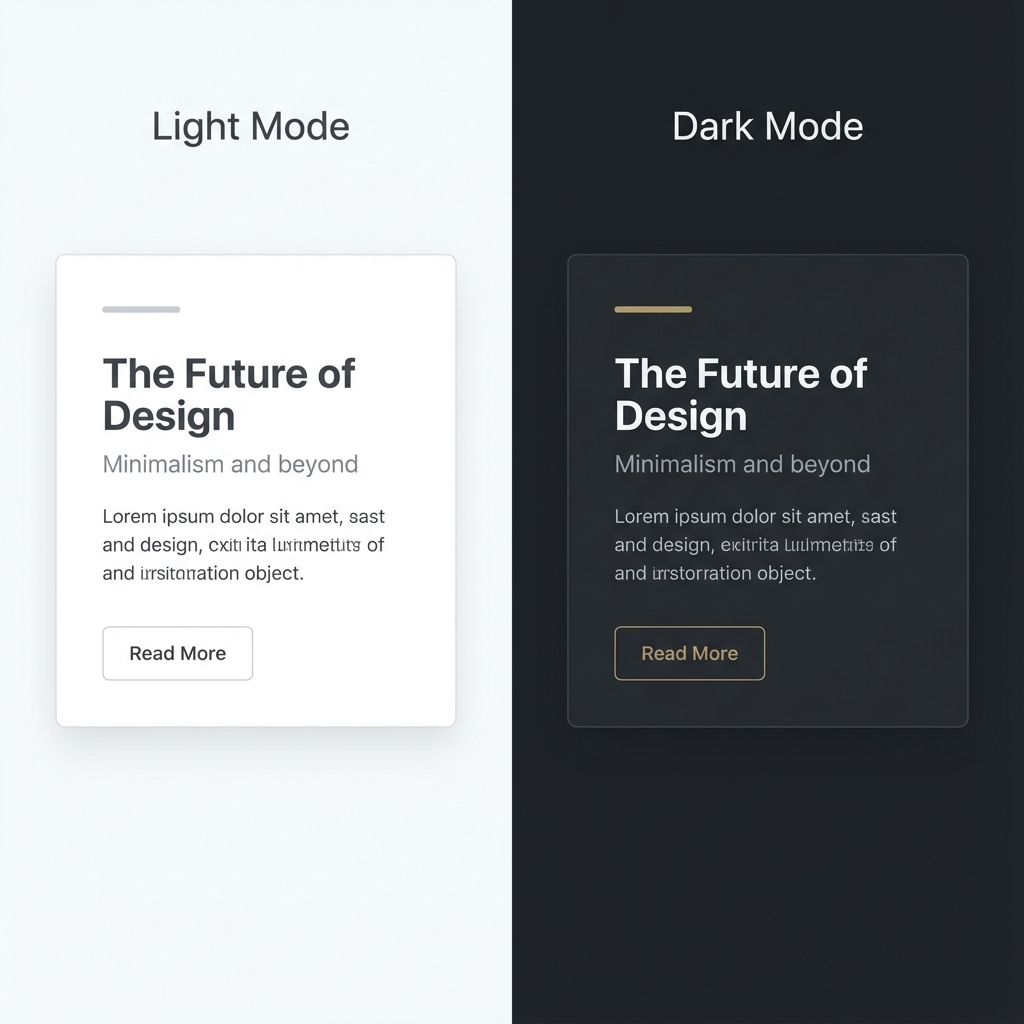
Test both modes with real content, not empty shells. Grays that look elegant in light mode can turn muddy in dark. Accent colors need contrast checks twice.
3. How do micro interactions communicate quality? #
Static pages feel lifeless. Small, thoughtful animations signal quality and attention to detail. Buttons that respond to clicks, cards that lift on hover, icons that rotate when processing. These details make interfaces feel responsive and polished.
Best practices that hold up:
- Keep animations subtle and fast, a couple hundred milliseconds for most transitions
- Use short eases on interactive elements so feedback feels instant
- Animate only what guides attention, since motion that decorates soon distracts
- Respect reduced motion preferences for users who find animation disorienting, as covered in the SvelteKit accessibility docs (https://svelte.dev/docs/kit/accessibility)
The goal is not flashy animation. It is interfaces that feel alive under the user's hands.
Why is mobile the default not the override? #
More than half of web traffic comes from mobile devices. For local businesses, restaurants, and social bio links, mobile dominates even harder. Yet many sites still get designed desktop first, then awkwardly adapted down.
Flip it. Write mobile layouts first. Use media queries like @media (min-width: 768px) to add complexity for larger screens, not to remove complexity for smaller ones. This mindset produces naturally simpler, more focused designs that work everywhere.
Test on actual phones instead of relying only on browser dev tools. Thumb reach, sunlight glare, and flaky connections change everything. The experience of tapping with a thumb differs from clicking with a mouse in ways no emulator shows.
5. How does accessibility pay back as ROI? #
Millions of people live with disabilities that affect how they use the web. That is not a niche to accommodate. It is a large share of your potential audience.
Good accessibility practices improve usability for everyone. Clear contrast helps in bright sunlight. Keyboard navigation helps power users. Proper heading structure helps screen readers and search engines alike.
Quick test you can run today:
Navigate your entire site using only the Tab key. Can you access everything. Does focus move in a logical order. Can you always see where focus sits. If you get stuck or lose the focus ring, real users hit that wall daily. The SvelteKit accessibility docs (https://svelte.dev/docs/kit/accessibility) cover the underlying habits: semantic landmarks, visible focus, alt text that means something, motion respect.
6. Why does storytelling convert better than features? #
People do not buy products. They buy better versions of themselves. They buy solutions to problems that nag them at night.
A feature list does not connect emotionally. A story that follows problem, agitation, and solution does.
Problem: tired of losing track of important files across devices.
Agitation: every minute spent searching for that document is a minute you cannot bill. It adds up to hours weekly.
Solution: our app syncs everything automatically. Whatever you save, wherever you save it, is instantly available everywhere.
Outcome: never search for a file again. Focus on work that matters.
Write the outcome first, then earn it with specifics. Vague promises convert nobody. Named pains with measured costs convert.
7. How does semantic HTML serve machines and humans? #
Search engines increasingly understand page structure in addition to keywords. Proper HTML5 semantic tags like article, nav, aside, header, footer, and main tell machines what different parts of your page mean. The SvelteKit SEO docs (https://svelte.dev/docs/kit/seo) cover this crawlable structure side: titles, descriptions, headings in order, content reachable without JavaScript.
This matters beyond SEO. Screen readers use semantic structure to help users navigate. Browsers offer better reading modes. Future AI systems parse your content more accurately.
Stop shipping div soup. Replace the div with class navigation with a nav element. Replace the div with class article with an article element. The code reads cleaner, and machines understand it better. One afternoon of cleanup pays off in every crawler visit after.
8. Why does authenticity win attention? #
The web is flooded with generic stock photography and synthetic filler. Every SaaS landing page wears the same illustration style. Every corporate site shakes the same hands.
Standing out requires authenticity. Real photos of your actual team. Genuine customer testimonials with real names. Writing that sounds like a human with opinions, not a committee avoiding controversy.
Practical steps: take real photos, record actual screen captures, write in first person, hold opinions. Specificity is what makes content memorable. A founder photo beats a stock smile every time. A customer quote with a name and a number beats a paragraph of adjectives.
9. Why do fewer form fields raise conversion? #
Every additional form field taxes conversion. Each field is friction, something the user must think about, decide on, and type. At lead capture, ask for email only. Collect the rest later in onboarding or follow up sequences. The goal at first touch is starting the relationship, not building a complete profile.
At checkout, require only what processes the transaction. Offer guest checkout, since forced account creation loses sales. If you need a phone number, say why in plain words, for delivery updates only.
Review your forms this week. Delete one field from each. Watch what happens. Most teams never add the field back.
10. How do you use AI tools to work faster? #
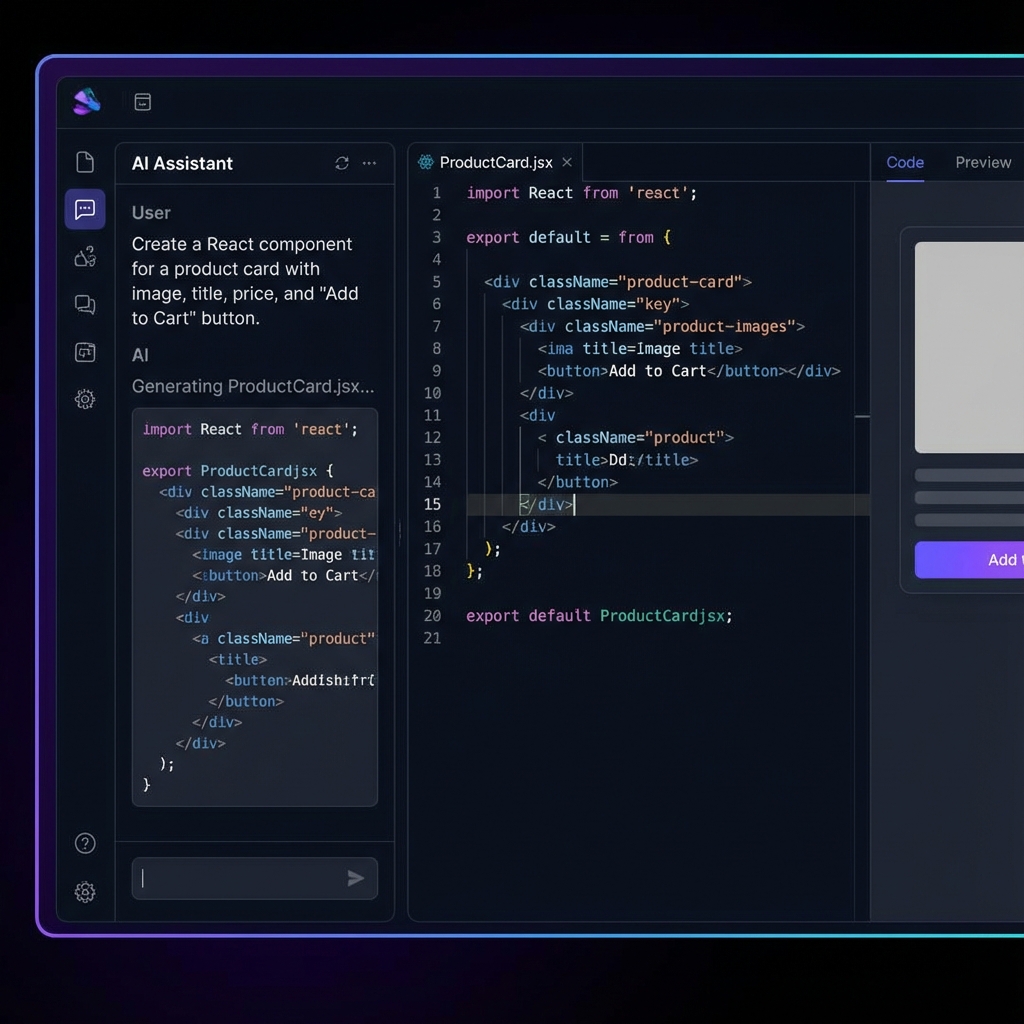
Writing every line of code by hand in 2025 is like writing every memo by hand when word processors exist. Tools handle boilerplate, generate components, and accelerate the mechanical parts of building.
This does not mean outsourcing judgment. It means automating the parts that need no judgment so you can spend yours on creative direction, user experience, and strategic decisions.
BYOB handles code generation and deployment complexity. Your job is deciding what to build and refining until it is right. The leverage is enormous when the human stays in the chair that matters.
Build for 2025 #
The web keeps evolving and expectations keep rising. Run the lap: speed, dark mode, motion with manners, mobile first, access for all, story over features, semantic structure, real photos, short forms, AI leverage.
Pick the slowest tip on your site today and fix that one before dinner.
Try it: Website Launch Checklist
What are the trade-offs? #
The post recommends largest paint at 2.5 seconds or less, mobile first layouts, full keyboard navigation, semantic HTML, and minimal form fields. That follows the web.dev LCP guide, Core Web Vitals search docs, and SvelteKit performance plus accessibility plus SEO plus image docs cited above.
| Where the recommended path wins | Where it loses |
|---|---|
| Fast paint protects visibility and conversion at once | Image and script diet constrains rich motion and media heavy stories |
| Semantic markup serves readers, search, and assistive tech together | Accessibility pass adds review time to every template change |
| Fewer fields lift completion on every form | Marketing asks for data must wait for later steps |
Pick media heavy storytelling pages only when the brand moment justifies the weight and the team budgets the compression plus lazy loading plus reduced motion work.
Who this is for (and who should skip it) #
This tip list helps builders shipping sites in 2025 that must be fast, phone ready, and accessible. If you want a one lap checklist that covers paint, mobile, keyboard, and copy, the ten points here give you a sequence.
Skip chasing all ten at once when the homepage paint still exceeds 2.5 seconds. Chasing every tip together spreads effort thin while a slow paint keeps hurting rank and sales, so fix largest paint and phone layout first, then add dark mode and motion that respects reduced motion.
- Best for beginners launching a first site with mobile-first layout and fewer form fields.
- Best for small business owners adding dark mode, speed fixes, and plain storytelling that converts.
- Best for freelancers applying semantic markup and accessibility checks that raise client trust.
What we learned building this #
BYOB bakes many of these defaults into every generated site so the ten tips are baseline, not extra work: modern image formats, edge caching, and lean bundles. The built-in launch checklist scores titles, descriptions, social cards, and domain readiness, and it stores progress locally in your browser.