


&Open &Open is a customer loyalty platform that enables brands of any size and industry to send digital and physical gifts at scale to customers, employees, and partners. Visit ↗
BYOB New inbox in every project
Launch a subscription site with plan tiers, member dashboards, and automated billing that grows on autopilot.
Runs on the stack you trust
Prompt to product
Compare the one-line brief with what BYOB ships. Real layout, data, and deploy status, editable from the same workspace.
Team Tasks
Shared task tracking
Drag the handle. Or focus it and use the arrow keys.
Get inspired
Real sites that do it well. Build something like this with BYOB.

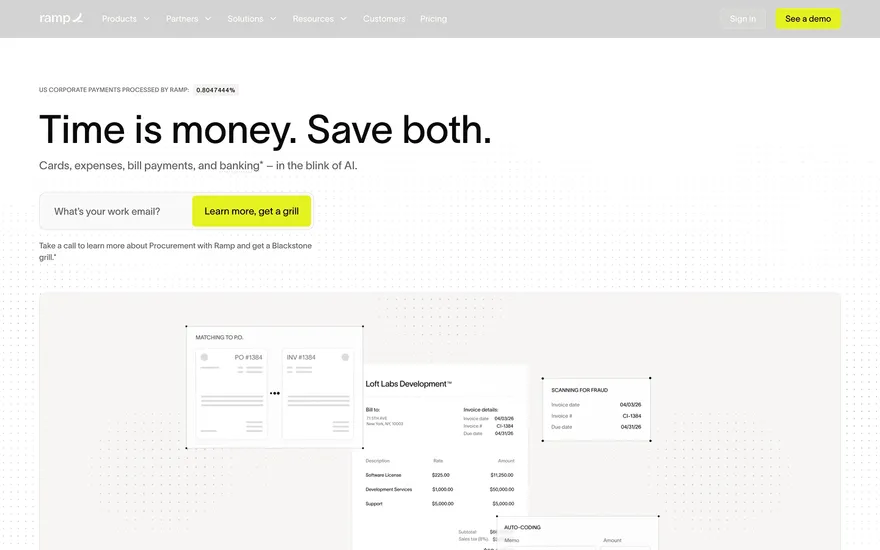
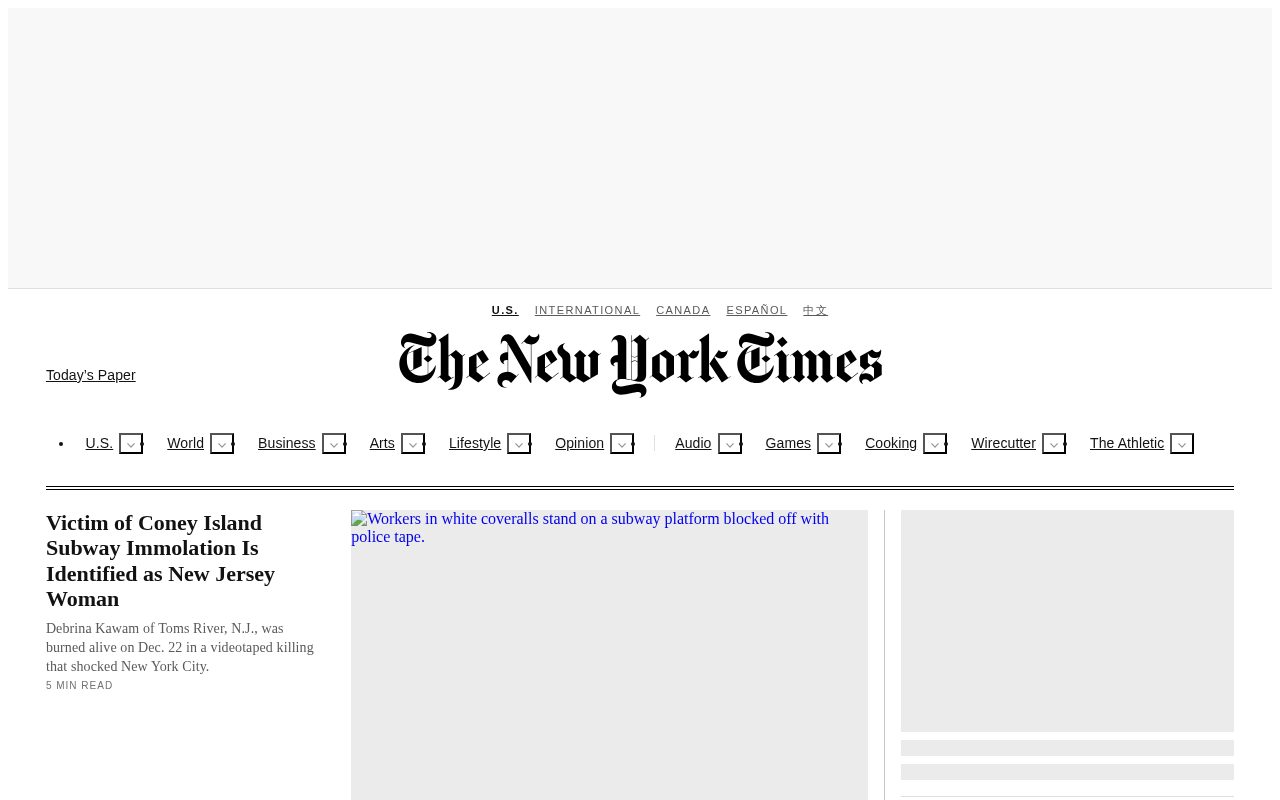
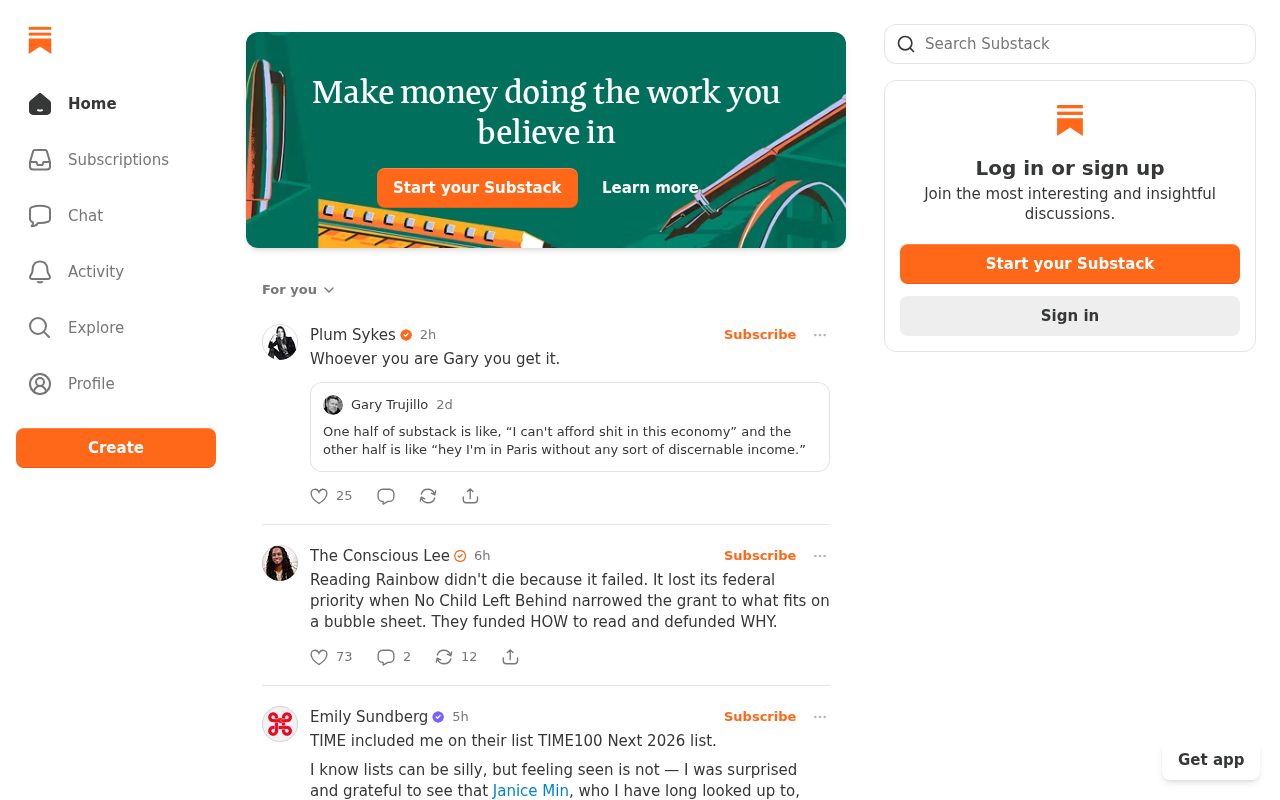
Fresh from the community
See what builders ship, or start from an example.
Live workspace
The workspace is built for repeated product work, not disposable demos. Every generated file stays inspectable, every change is visible, and every follow-up can target the exact part of the app you care about.
01 · EDITOR
Every file BYOB writes stays visible and editable. Follow-ups target the exact lines you care about instead of regenerating from scratch.
<script lang='ts'>type Task = { id: string; title: string; done: boolean
}let tasks = $state<Task[]>([])function toggleTask(id: string) {task.done = !task.done // just added by BYOB}</script>02 · AI COMMAND
Describe the outcome once. BYOB turns it into a build plan, implements it step by step, and keeps every change visible while you iterate.
Your prompt
“Build a todo app for beginners”
Build plan
80%03 · LIVE PREVIEW
The preview updates as BYOB works, with deploy status attached, so the path from edit to production stays inspectable.
Team Tasks
Shared task tracking
Prompt to app
Start conversationally, approve the shape, let Tool Mode implement, then refine and deploy from the same workspace.
Agent and backend
Connect Codex, Claude Code, or Antigravity to your project, then store data and ship to production without leaving the workspace.
npx -y byob-cli codex installApprove only the projects your agent can touch, then read context, edit files, inspect diffs, test previews, and roll back from your terminal.
Rated 4.9/5 by developers and founders using BYOB to move from idea to shipped product.
Built for shipping
BYOB handles product planning, implementation, preview, testing, database work, and deployment from one focused interface, with coding-agent access and production analytics when you want to keep working from your own terminal.
This part is hands-on. The cards drift until you touch them. Drag to rearrange, or press and hold one to feel it push back.
Give Codex, Claude Code, or Antigravity scoped access through BYOB CLI or Agent MCP. Your agent reads context, edits code, tests previews, and deploys from your terminal.
Every change lands as a commit. Inspect history, compare diffs, and see exactly what changed since the last deploy.
Every project ships with an inbox. Collect messages, leads, and feedback from your app without wiring a third party.
Send magic links, OTP codes, and transactional mail from your own sender address. Resend-backed, no SMTP setup.
Offer Continue with Google plus passwordless email codes. Sessions and callbacks are handled.
Point your domain at BYOB with guided DNS checks. Certificates are automatic.
Click any element in the live preview and describe the change. Copy, spacing, color, behavior.
Run full-site or feature checks and get implementation-level feedback you can apply in one step.
Step between saved states or redeploy a known commit when an experiment goes sideways.
Builds publish to production hosting in one step. Deploys can auto-save the project state first.
Worker traffic, errors, CPU timing, subrequests, and custom-domain status from the workspace.
Connect Supabase and BYOB reads schemas, drafts migrations, and generates types that match your app.
Invite people in and keep sessions coordinated so work never overwrites work.
Simple pricing
Pay as you go when you are exploring. Move to Pro or Max when BYOB becomes part of your regular build workflow.
$1 = 100 credits
2,000+ credits/mo
8,000+ credits/mo
Live estimator
Try the cost calculator. Drag the pages slider, toggle the options, and watch the agency quote vs BYOB update instantly.
Open full cost calculator →$5,750 upfront
~$1,150 / year
~$45 in credits
BYOB builds the same site from one prompt and hosts it on the edge. Planning estimates, not quotes.
See BYOB plansNeed white-label and SSO? Talk to us →
A subscription website builder generates plan and pricing pages, a signup and onboarding flow, gated member content and an account area where customers manage their plan. BYOB builds these as editable pages and connects recurring billing through built-in payments.
Subscription visitors are not just buying a product; they are deciding whether to keep paying. The pricing page carries that weight, so BYOB generates clear plan cards with the benefits each tier includes, a honest comparison of limits, and a primary call to action per plan. You can add a FAQ that answers billing questions before support has to, and a free or trial entry point if your model uses one. Because the page is generated from your description, the tiers, the ordering and the emphasis on annual versus monthly reflect your actual pricing rather than a generic three-column template.
The first session after signup decides whether someone stays. BYOB can generate an onboarding sequence: a welcome page, a short checklist, and a first-run view that shows the product's core value immediately. For content subscriptions this might mean recommending a starting article or series; for tools it may be a guided setup. Storing onboarding progress as data lets you show returning members where they left off. Getting this flow right reduces early churn far more than another marketing section, and it is built from the same pages and data as the rest of the site.
Gated access is the mechanical heart of a subscription site. BYOB ties page and content visibility to the member's plan, so a free visitor sees teasers while a paid subscriber sees the full library or advanced features. Access rules live in generated code and role checks, which means you can add a new tier, move a resource between plans or run a limited-time upgrade without touching an external permissions tool. Members sign in through Better Auth, and their plan is a field on their account rather than a manual list you maintain by hand.
Subscribers expect self-service. BYOB can generate an account area where people update their details, see their current plan and billing status, view invoices and cancel or change tiers. That reduces support load and, just as importantly, makes cancellation a clean process rather than a maze. The billing provider remains the source of truth for charges, while your project stores the membership state that controls access. If a payment fails, a status field can move the account into a grace period until it is resolved, and the account page explains exactly what is happening.
BYOB does not process card payments itself. Recurring billing runs through built-in payments, both of which handle subscriptions, renewals and tax in supported regions. You connect a provider, create the products and prices there, and BYOB's generated checkout and webhook handling keep your member records in step with what the provider charges. This division of labour is deliberate: the provider is accountable for payment compliance, while your site owns the experience. The SaaS website guide covers the broader product setup.
Once billing is live, the questions become empirical: which plan converts, where trials drop off, which content keeps people subscribed. Fruitalytics shows page and event traffic, and because subscription state and usage live in your data, you can build retention views on top. Use that evidence to change pricing, add a plan or improve onboarding. Each change is an edit to the same project, shipped with a version history so you can compare and roll back. A subscription site is never finished; it is tuned, and BYOB keeps tuning fast.
FAQ
No. It connects to built-in payments, which handle recurring charges, renewals and tax; BYOB keeps your member access in sync.
Yes. Access rules and role checks tie page and content visibility to the member's plan, so each tier sees what it pays for.
Yes. You can generate pages for profile details, current plan, billing status, invoices and cancellation.
Yes. Free, trial and paid plans can coexist, with gating deciding what each group can reach.
You can rebuild plan and access logic in BYOB and move customers to built-in payments; handle the cutover carefully so access is not interrupted.
Start with one clear prompt. BYOB will help turn it into a product you can inspect, edit, test, and ship.
 npm