


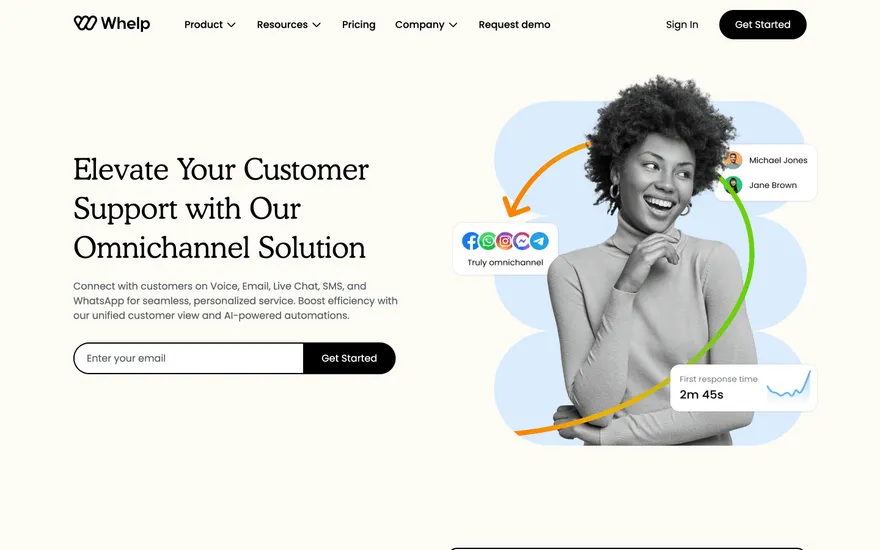
Whelp Support software with an omnichannel story. Visit ↗
BYOB New inbox in every project
Web app development is the work of turning a product idea into software people can sign into, use and rely on. It spans interface, application logic, data and publishing. BYOB can produce a working starting point and then stay open to the engineering a real product eventually needs.
Runs on the stack you trust
Prompt to product
Compare the one-line brief with what BYOB ships. Real layout, data, and deploy status, editable from the same workspace.
Team Tasks
Shared task tracking
Drag the handle. Or focus it and use the arrow keys.
Get inspired
Real sites that do it well. Build something like this with BYOB.
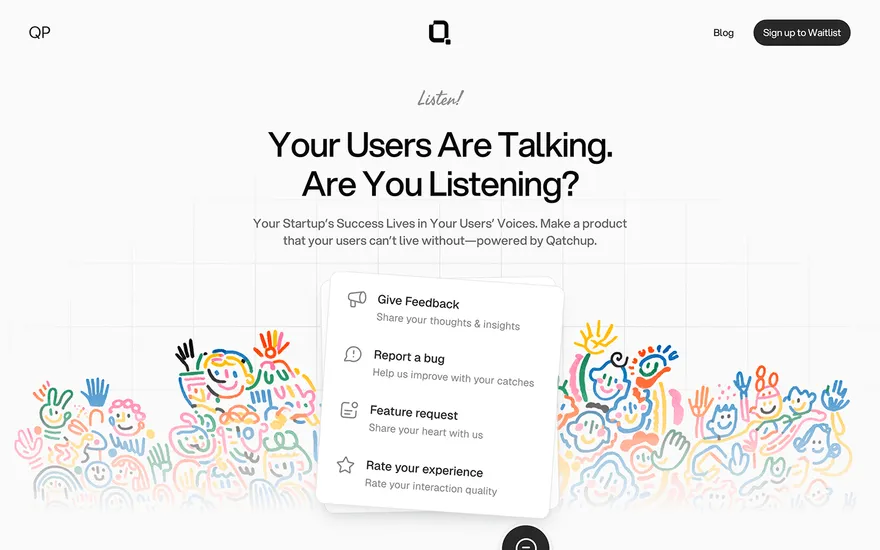
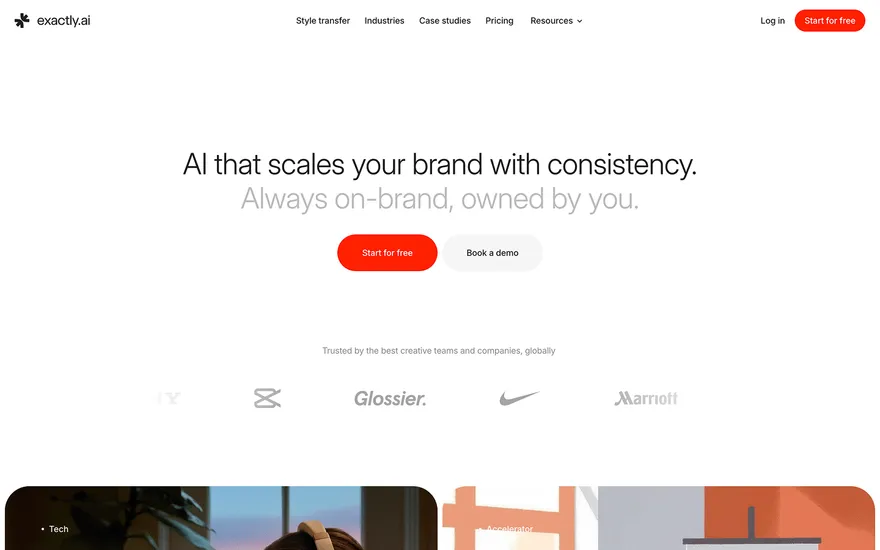

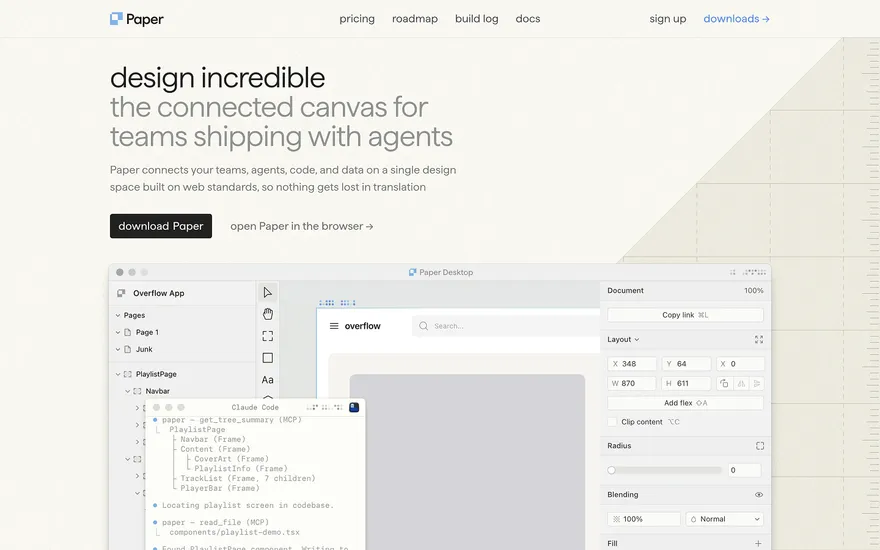
Fresh from the community
See what builders ship, or start from an example.
Live workspace
The workspace is built for repeated product work, not disposable demos. Every generated file stays inspectable, every change is visible, and every follow-up can target the exact part of the app you care about.
01 · EDITOR
Every file BYOB writes stays visible and editable. Follow-ups target the exact lines you care about instead of regenerating from scratch.
<script lang='ts'>type Task = { id: string; title: string; done: boolean
}let tasks = $state<Task[]>([])function toggleTask(id: string) {task.done = !task.done // just added by BYOB}</script>02 · AI COMMAND
Describe the outcome once. BYOB turns it into a build plan, implements it step by step, and keeps every change visible while you iterate.
Your prompt
“Build a todo app for beginners”
Build plan
80%03 · LIVE PREVIEW
The preview updates as BYOB works, with deploy status attached, so the path from edit to production stays inspectable.
Team Tasks
Shared task tracking
Prompt to app
Start conversationally, approve the shape, let Tool Mode implement, then refine and deploy from the same workspace.
Agent and backend
Connect Codex, Claude Code, or Antigravity to your project, then store data and ship to production without leaving the workspace.
npx -y byob-cli codex installApprove only the projects your agent can touch, then read context, edit files, inspect diffs, test previews, and roll back from your terminal.
Rated 4.9/5 by developers and founders using BYOB to move from idea to shipped product.
Built for shipping
BYOB handles product planning, implementation, preview, testing, database work, and deployment from one focused interface, with coding-agent access and production analytics when you want to keep working from your own terminal.
This part is hands-on. The cards drift until you touch them. Drag to rearrange, or press and hold one to feel it push back.
Give Codex, Claude Code, or Antigravity scoped access through BYOB CLI or Agent MCP. Your agent reads context, edits code, tests previews, and deploys from your terminal.
Every change lands as a commit. Inspect history, compare diffs, and see exactly what changed since the last deploy.
Every project ships with an inbox. Collect messages, leads, and feedback from your app without wiring a third party.
Send magic links, OTP codes, and transactional mail from your own sender address. Resend-backed, no SMTP setup.
Offer Continue with Google plus passwordless email codes. Sessions and callbacks are handled.
Point your domain at BYOB with guided DNS checks. Certificates are automatic.
Click any element in the live preview and describe the change. Copy, spacing, color, behavior.
Run full-site or feature checks and get implementation-level feedback you can apply in one step.
Step between saved states or redeploy a known commit when an experiment goes sideways.
Builds publish to production hosting in one step. Deploys can auto-save the project state first.
Worker traffic, errors, CPU timing, subrequests, and custom-domain status from the workspace.
Connect Supabase and BYOB reads schemas, drafts migrations, and generates types that match your app.
Invite people in and keep sessions coordinated so work never overwrites work.
Simple pricing
Pay as you go when you are exploring. Move to Pro or Max when BYOB becomes part of your regular build workflow.
$1 = 100 credits
2,000+ credits/mo
8,000+ credits/mo
Live estimator
Try the cost calculator. Drag the pages slider, toggle the options, and watch the agency quote vs BYOB update instantly.
Open full cost calculator →$5,750 upfront
~$1,150 / year
~$45 in credits
BYOB builds the same site from one prompt and hosts it on the edge. Planning estimates, not quotes.
See BYOB plansNeed white-label and SSO? Talk to us →
Web app development covers designing the user interface, building application logic, storing data, handling login and publishing to a server. BYOB generates a functional foundation from a description, then lets developers extend the same codebase, so teams move from prototype to production without discarding early work.
Estimating a web app by counting screens is a common and expensive mistake. What drives the work is the behavior behind each screen: what a user can do, what changes in the data, who is allowed to see it, and what has to happen next. A single 'checkout' screen might hide a dozen rules. Writing those workflows down before development starts aligns everyone on scope and reveals the parts that carry real complexity, rather than the parts that merely look large in a wireframe.
Every non-trivial web app is several systems cooperating. There is a frontend that renders and responds, a backend that enforces rules and validates inputs, data storage that persists state, an identity layer that decides who is asking, and a publishing layer that serves the result. A weakness in any one undermines the others. Good development treats these as one design problem, keeping naming, validation and error handling consistent from the form a user sees down to the row a query writes.
A prototype needs to prove an idea; a product needs to be trusted. The same feature can pass the first test and fail the second once real users, real data and real traffic arrive. Production adds concerns like input sanitisation, rate limiting, backups, access control and observability. Planning for that transition early, rather than bolting it on after launch, is what stops a successful pilot from becoming a fragile system that nobody wants to maintain.
There are three broad routes. Commission custom development for maximum fit at maximum cost. Build in-house for control if you have the engineers and the time. Or start from a generated project to get a working foundation quickly, then invest human effort where it counts. BYOB supports the third path: describe the app, receive a project with routes, forms and data, and direct your budget toward the logic that is genuinely specific to your business.
Launch is a milestone, not a finish line. Before it, test the paths that lose data or money, check that login cannot be bypassed, and confirm that errors fail safely rather than exposing internals. BYOB includes a testing agent and generates login flows, but no tool absolves a team of review. Treat the generated code as a strong first draft that still needs the same scrutiny you would give any junior engineer's work before it reaches paying users.
Most of an application's life happens after the first release. Requirements change, integrations break and performance drifts. Maintainability therefore matters more than any single feature. Choosing a standard framework and keeping the source readable makes future work faster. Because BYOB outputs ordinary with version history, a developer can understand, test and evolve the app long after the initial build, rather than inheriting an opaque system that only one tool can edit.
FAQ
It depends on scope. A focused app with a few workflows can reach an usable first version quickly with generation, while complex integrations and strict compliance add time.
For simple products, a generated app may be enough to launch. As rules, integrations and scale grow, developer review and extension become worthwhile.
A website mostly presents information. A web app stores data and lets users act on it, such as signing in, submitting records or managing an account.
Yes. It generates server routes and can provision managed data storage, with a data source support for teams that prefer it.
Yes. The output is standard code you can export via the or ZIP and host on your own infrastructure.
Start with one clear prompt. BYOB will help turn it into a product you can inspect, edit, test, and ship.
 npm