


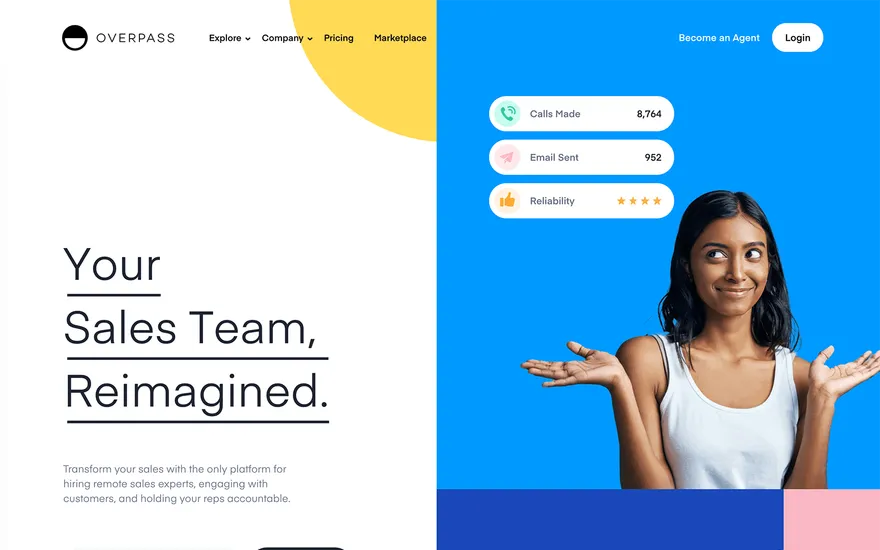
Overpass Talent profiles with clear hiring paths. Visit ↗
BYOB New inbox in every project
Create a freelance site with service packages, portfolio highlights, testimonials, and a contact form that filters serious inquiries.
Runs on the stack you trust
Prompt to product
Compare the one-line brief with what BYOB ships. Real layout, data, and deploy status, editable from the same workspace.
Team Tasks
Shared task tracking
Drag the handle. Or focus it and use the arrow keys.
Get inspired
Real sites that do it well. Build something like this with BYOB.
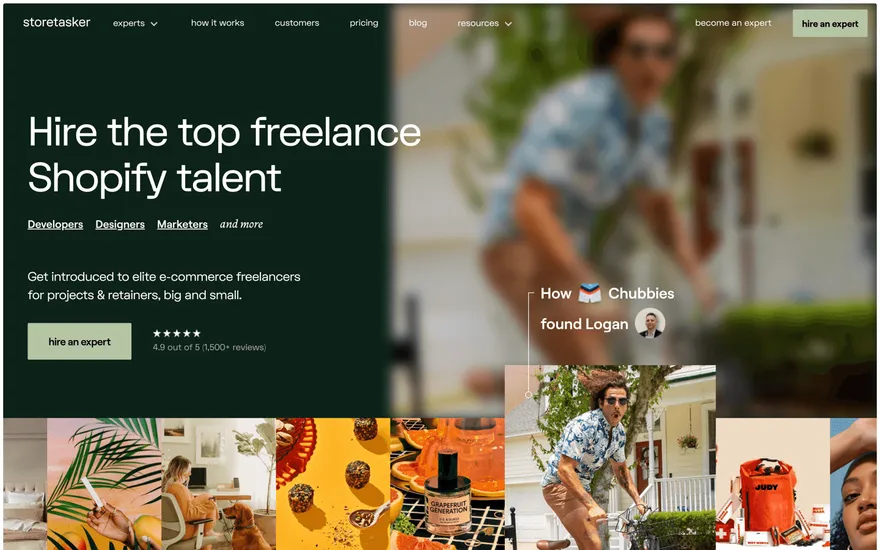
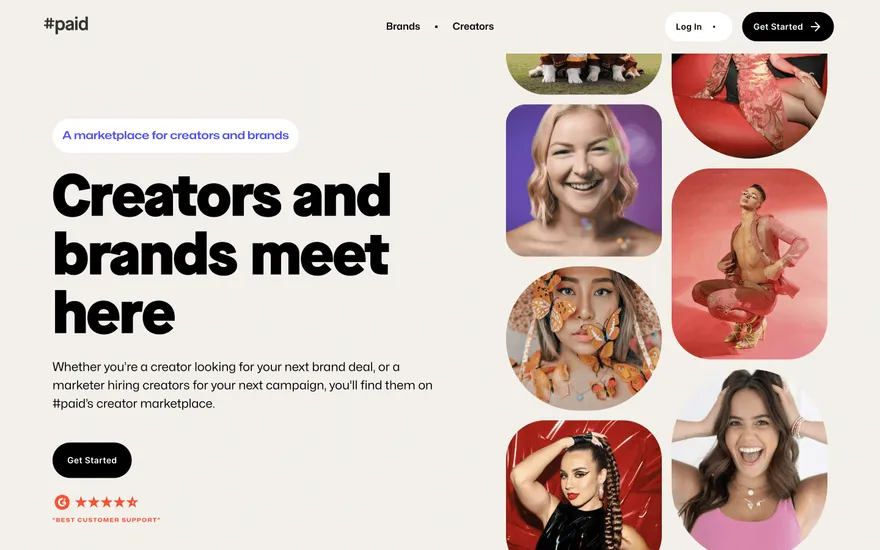
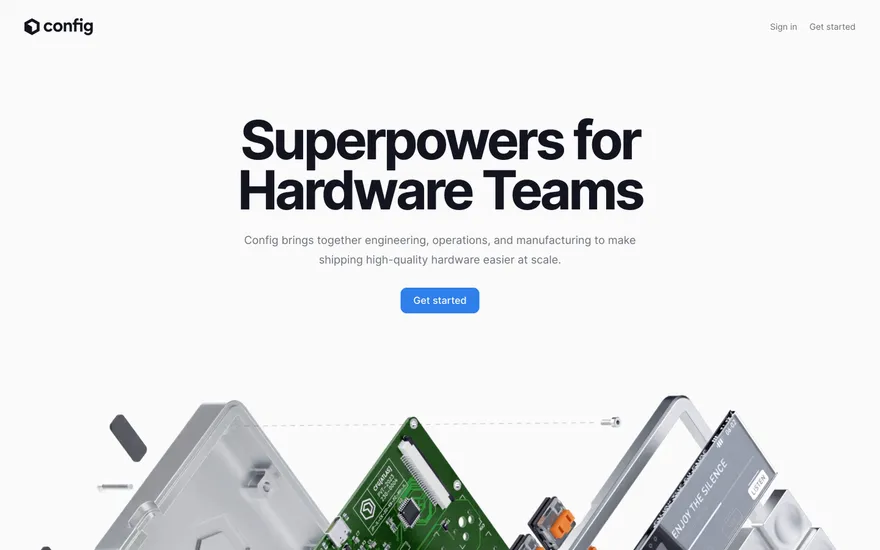
Fresh from the community
See what builders ship, or start from an example.
Live workspace
The workspace is built for repeated product work, not disposable demos. Every generated file stays inspectable, every change is visible, and every follow-up can target the exact part of the app you care about.
01 · EDITOR
Every file BYOB writes stays visible and editable. Follow-ups target the exact lines you care about instead of regenerating from scratch.
<script lang='ts'>type Task = { id: string; title: string; done: boolean
}let tasks = $state<Task[]>([])function toggleTask(id: string) {task.done = !task.done // just added by BYOB}</script>02 · AI COMMAND
Describe the outcome once. BYOB turns it into a build plan, implements it step by step, and keeps every change visible while you iterate.
Your prompt
“Build a todo app for beginners”
Build plan
80%03 · LIVE PREVIEW
The preview updates as BYOB works, with deploy status attached, so the path from edit to production stays inspectable.
Team Tasks
Shared task tracking
Prompt to app
Start conversationally, approve the shape, let Tool Mode implement, then refine and deploy from the same workspace.
Agent and backend
Connect Codex, Claude Code, or Antigravity to your project, then store data and ship to production without leaving the workspace.
npx -y byob-cli codex installApprove only the projects your agent can touch, then read context, edit files, inspect diffs, test previews, and roll back from your terminal.
Rated 4.9/5 by developers and founders using BYOB to move from idea to shipped product.
Built for shipping
BYOB handles product planning, implementation, preview, testing, database work, and deployment from one focused interface, with coding-agent access and production analytics when you want to keep working from your own terminal.
This part is hands-on. The cards drift until you touch them. Drag to rearrange, or press and hold one to feel it push back.
Give Codex, Claude Code, or Antigravity scoped access through BYOB CLI or Agent MCP. Your agent reads context, edits code, tests previews, and deploys from your terminal.
Every change lands as a commit. Inspect history, compare diffs, and see exactly what changed since the last deploy.
Every project ships with an inbox. Collect messages, leads, and feedback from your app without wiring a third party.
Send magic links, OTP codes, and transactional mail from your own sender address. Resend-backed, no SMTP setup.
Offer Continue with Google plus passwordless email codes. Sessions and callbacks are handled.
Point your domain at BYOB with guided DNS checks. Certificates are automatic.
Click any element in the live preview and describe the change. Copy, spacing, color, behavior.
Run full-site or feature checks and get implementation-level feedback you can apply in one step.
Step between saved states or redeploy a known commit when an experiment goes sideways.
Builds publish to production hosting in one step. Deploys can auto-save the project state first.
Worker traffic, errors, CPU timing, subrequests, and custom-domain status from the workspace.
Connect Supabase and BYOB reads schemas, drafts migrations, and generates types that match your app.
Invite people in and keep sessions coordinated so work never overwrites work.
Simple pricing
Pay as you go when you are exploring. Move to Pro or Max when BYOB becomes part of your regular build workflow.
$1 = 100 credits
2,000+ credits/mo
8,000+ credits/mo
Live estimator
Try the cost calculator. Drag the pages slider, toggle the options, and watch the agency quote vs BYOB update instantly.
Open full cost calculator →$5,750 upfront
~$1,150 / year
~$45 in credits
BYOB builds the same site from one prompt and hosts it on the edge. Planning estimates, not quotes.
See BYOB plansNeed white-label and SSO? Talk to us →
A freelance website builder turns a short description of your services into a portfolio site with case studies, rates, testimonials and a contact path. BYOB generates it as editable code, so freelancers can publish quickly, update project work as they ship, and collect client enquiries in one place.
Freelancers rarely need a sprawling corporate site. They need a focused pitch that a prospective client can scan in about 30 seconds: what you do, who you have helped, what it costs and how to start. BYOB generates that structure from your description instead of dropping you into an agency template full of irrelevant sections. The first version might take one prompt, and you refine the wording and layout from there. The goal is a page that converts a curious visitor into a serious enquiry.
Finished work is your strongest argument, so the site should make it easy to browse. BYOB drafts project cards, filterable categories and individual case-study pages with a brief, an approach and an outcome. You can write the outcome in plain numbers or keep it confidential and focus on the problem solved. Because the layouts are generated as components, adding a new project later means duplicating an existing pattern rather than designing a page from nothing.
Publishing a price range filters out mismatched enquiries before they reach your inbox. BYOB can generate a services section with day rates, fixed-scope packages or retainer tiers, plus a current availability note. If rates are sensitive, show starting points or an engagement model instead of exact numbers. You can update the figures any time by describing the change in chat, which matters when your pricing changes between projects or seasons.
A quote placed next to the service it praises lands harder than a wall of logos. BYOB generates testimonial components you can attach to specific sections: a client quote under the relevant case study, a logo strip before the pricing table, a results callout on the home page. You paste the real words and names, and the AI keeps the styling consistent. As new feedback arrives, add it without touching the surrounding layout.
Once someone is interested, friction costs you the lead. BYOB generates a contact form with name, email, project type and budget range, and submissions land in your project inbox. You can route different service enquiries to different internal views, or add a short qualifying questionnaire so first calls are more productive. There is no separate form service to connect, and the data stays with the project rather than in a marketing vendor's dashboard.
If freelancing turns into a small studio, the site can follow. BYOB projects are standard code, so you can add a team page, a blog for thought leadership or a client login for shared project updates. When you need stored data such as a booking calendar or a client portal, extend the same project with a data instead of starting over. The website and the tools around it stay in one place.
FAQ
Yes. It generates a focused portfolio, services and contact structure that suits solo professionals, and you can scale it up later without migrating to another platform.
Yes. Write anonymous case studies describing the problem and result without naming the client, or use password-protected pages when the project needs them.
Add or remove projects by chatting with the AI or editing the generated components directly. Changes carry a version history you can roll back.
You can connect built-in payments for deposits and invoices. BYOB does not include a native built-in payments checkout, but it can generate the forms and pages around your chosen provider.
No. Describe your practice and refine it visually. The source is available if you or a developer want to extend it.
Start with one clear prompt. BYOB will help turn it into a product you can inspect, edit, test, and ship.
 npm